Why not just take a screenshot?
A screenshot captures your screen, so you get interface around the picture, your display's resolution and a crop you have to fix by hand. Downloading saves the actual image file Instagram stores, with nothing on top of it.
How to download an Instagram photo
- Open the post on Instagram, tap the three dots (…) or the share icon and choose Copy link.
- Paste the link in the box at the top of this page and press Download.
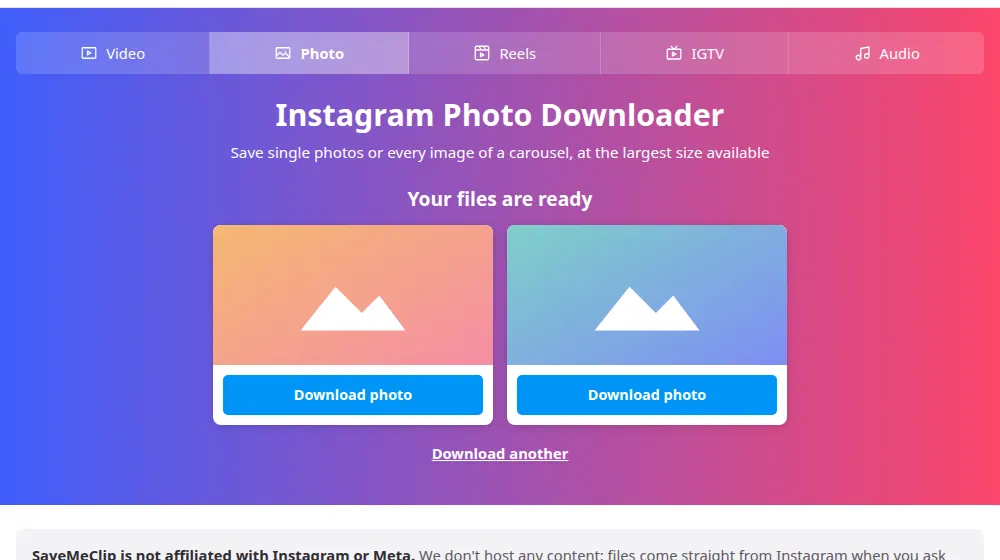
- You'll see a card for each image in the post. Press Download photo under the ones you want.
- Find the images in your downloads folder, or move them to your phone's gallery.
Saving a carousel
Paste the link of a post with several images and SaveMeClip shows a card for each one, in the original order. Each has its own button, so you can save all of them or only the one you came for. On a post where you want a specific slide, you don't need to do anything special: the same link covers the whole carousel.
About image size
Instagram resizes photos when they're uploaded, and images are usually kept at up to 1080 pixels wide, or 1440 on some newer posts. We hand you the largest version it offers. If you need a print-quality file, the original still belongs with the person who took the photo: asking them is often the quickest route.
Good habits with other people's photos
- Saving a picture for inspiration or for a private mood board is common. Publishing it is different.
- To repost, ask the author and credit them in the caption.
- Photos of people carry an extra concern: think twice before using them anywhere public.
Frequently asked questions
What format are the photos in?
JPEG in the vast majority of cases, the way Instagram delivers them. It opens in any gallery, editor or printing service. We don't convert the file or compress it again, so what you save is the image Instagram stores.
Can I save every photo of a carousel at once?
Each photo has its own button, so you press once per image and choose which to keep. Your browser may ask for permission the first time you save several files in a row. Allow it and the others will go through normally.
Where does the photo go on my iPhone?
Safari saves it in the Files app, in the Downloads folder. Open it there, tap the share icon and choose Save Image to put it in Photos. The iPhone guide shows each step. On Android, it goes to Downloads, and most gallery apps show it right away.
Why does the preview look cropped?
The preview fits a fixed frame so the cards line up on the page. The file you download isn't cropped: it keeps the shape and size Instagram has stored, whether the photo is square, vertical or horizontal.
Will the photo lose quality?
Not on our side, because we pass along the file as it is. Instagram does resize images when they're uploaded, so the largest version it has may be smaller than the original. For printing, it's best to ask the person who took the photo.
Do tagged people or the author get notified?
No. Saving a public photo here doesn't notify the author or anyone tagged in it. Notifications only come from actions inside Instagram, such as likes and comments. Remember that the photo still belongs to its author, especially if you plan to post it elsewhere.