What happened to IGTV?
IGTV started in 2018 as Instagram's home for long vertical videos, with its own app. Instagram later folded it into the main feed, and in 2022 it removed the standalone app and began treating these clips as ordinary videos. The videos didn't go away: many are still online and old links like instagram.com/tv/… usually still open them.
How to download an IGTV video
- Find the video on Instagram or use the old /tv/ link, if you've kept it.
- Copy the link from the post's menu or from your browser's address bar.
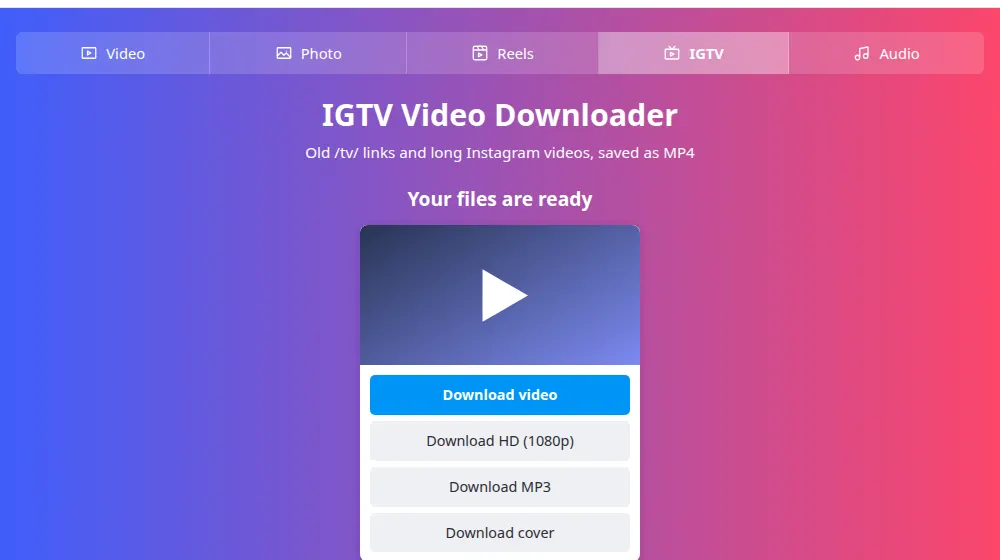
- Paste the link in the box at the top of this page and press Download.
- Choose a version and wait for the download: long videos take longer.
Saving an old IGTV video
Paste the link, with /tv/ or the newer /p/ format, and press Download. Long videos are the kind most worth saving: series, talks and lessons that took work to produce, and that you may want to keep in case an account goes away.
Tips for long files
- Connect to Wi-Fi first: a 30-minute video can be several hundred megabytes.
- On a phone, keep the browser open until the download finishes.
- If you only need the talk, not the picture, the audio tool makes a far smaller file you can listen to like a podcast.
Frequently asked questions
Do old /tv/ links still work?
Usually. If the post is still public, SaveMeClip accepts the link as it is, and you don't need to look for a new one. If you get an error, open the link in your browser to check that the video is still online and hasn't been deleted or made private.
Is there a separate IGTV app any more?
No. Instagram removed it in 2022, and the videos now appear in the main app alongside the others. That's why you may not see the IGTV name any more, even though the old posts and many of their links are still there.
How long can the video be?
We don't set a limit. Larger files take longer to come through, depending on your connection and on Instagram's speed. For a video that's very long, a computer or a phone on Wi-Fi is the safest choice.
My download stopped halfway. What should I do?
Download links are valid for two hours, and a weak connection can also cut a long file. Reload this page, paste the link again and press Download to get a new one. Keep the page open and your device awake until it finishes.
Do I need a different tool for long videos?
No. Long videos, regular videos and Reels all go through the same process, so a single link in the box is enough. This page explains the old IGTV format, and the video downloader works in the same way.
Why doesn't an old video come in HD?
Older videos were often uploaded and kept at a lower resolution, and we can only deliver what Instagram has stored. If the Download HD button doesn't appear, there's no better version to get, and only the person who posted it has the original file.