From video to MP3
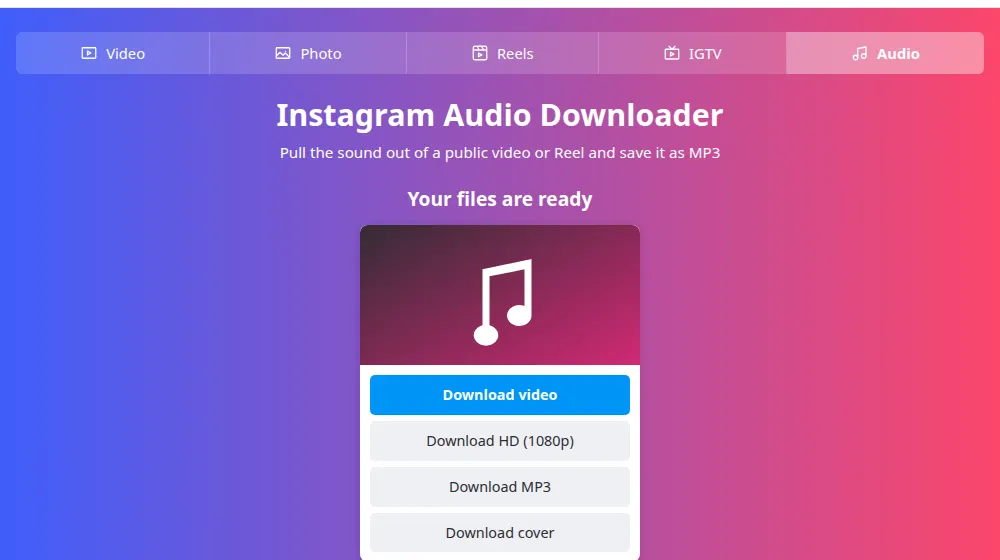
Paste the link of a video or Reel and press Download. In the result, choose Download MP3. We take the post's sound track and convert it to a 192 kbps MP3 as it reaches you, so it plays on any phone, car stereo or editor.
How to download audio from Instagram
- Copy the link of a public video or Reel: tap the three dots (…) or the share icon and choose Copy link.
- Paste the link in the box at the top of this page and press Download.
- Under the preview, press Download MP3.
- Find the MP3 in your downloads folder. It plays in any audio app.
What it's good for
- Listening to an interview or a class without keeping the screen on.
- Getting the voice track of your own video to transcribe it or write subtitles.
- Reusing the audio of your own clips in a new edit.
- Saving a voice note or a family moment that someone posted publicly.
It needs a link to a post
This tool works from a post or Reel that has sound. A link to Instagram's audio page (the list of Reels that use a song) isn't a video, so it won't work: open one of the Reels from that page and copy its link instead.
Songs belong to someone
Commercial music in a Reel is licensed for use on Instagram, and that doesn't carry over to you. Keep it for personal listening, and don't reuse it in anything you publish or sell without a proper license. If you want free music for your videos, look for royalty-free libraries.
Frequently asked questions
What quality is the MP3?
192 kbps. Instagram's own audio is already compressed, so a higher bitrate would make the file larger without adding any detail. For speech, music you're just listening to, and reference tracks, this quality is more than enough.
Can I download audio from a photo post?
Only if it's a video. Some photo posts have music attached, but that music isn't delivered as a file we can read. If the post doesn't show the Download MP3 button, it means there's no audio available for us to convert.
Why doesn't the download show the total size?
The MP3 is created as it's sent, so the size isn't known ahead of time and your browser can't show a percentage. It finishes normally. Wait until the download ends before opening the file, or the player may not read it.
Can I paste the link of a song or audio page?
No. SaveMeClip needs the link of a post, such as a Reel or a video. Instagram's audio pages list posts that use a sound but don't deliver a file. Open one of those Reels, copy its link and paste it here instead.
Can I save only part of the audio?
The MP3 always has the post's whole sound. To keep just one part, open it in a free editor such as Audacity or on your phone's audio app, cut what you want and export the result. It only takes a minute.
Can I use the song in my own videos?
Only if you have the rights. The music in a post belongs to its authors and labels, and downloading it doesn't change that. For your own content, it's safer to use Instagram's music library or tracks with a license that allows it.